Let’s be real: you live on your phone. So does the world. Mobile Application Development is where you stop being a user and start being a creator of that reality. This past paper isn’t just an exam—it’s your first design review, your first technical spec, and your first glimpse into the high-stakes, fast-moving world of building for pockets and palms.
Forget “Hello World” on a desktop. This is about constraints, context, and connection. It’s software engineering with handcuffs and superpowers.
What This Paper Actually Builds & Tests:
1. The Philosophy: It’s Not Just a Small Website
The first section often tests your understanding of the mobile-first (and often mobile-only) mindset. Expect questions on:
- Core Constraints: Limited screen real estate, intermittent connectivity, battery life, and varying hardware capabilities.
- Platform Paradigms: The stark, philosophical divide between iOS (controlled, uniform) and Android (open, fragmented). You’ll justify choices: “Why would you choose a native approach over a cross-platform framework for a banking app?”
This isn’t trivia. It’s the foundation. Get this wrong, and your technically perfect code still builds the wrong product.
2. The Architecture: Lifecycles Are Everything
Desktop apps run until you close them. Mobile apps? They’re at the mercy of a phone call, a notification, or a user’s whim. This paper will drill into:
- Activity/Fragment Lifecycles (Android) and View Controller Lifecycles (iOS). You’ll trace states like
onPause(),onDestroy(), orviewDidDisappear(). - Backgrounding & Multitasking: What happens when the user switches away? How do you save state, pause network calls, or run a minimal background service?
- Questions here are often scenario-based: “A user receives a call while inputting data in your app. Diagram the lifecycle calls and describe how you’d preserve the user’s input.”
3. The UI/UX: Your 5-Inch Canvas
This is where design meets code. You’ll be tested on:
- Responsive & Adaptive Layouts: ConstraintLayout (Android) or Auto Layout (iOS). You might be asked to sketch a layout hierarchy or write XML/JSON for a simple interface.
- Platform-Specific Patterns: Navigation drawers, bottom tabs, gesture recognition. The paper probes if you know the idiomatic way users expect an app to behave.
- Touch & Interaction: Handling multi-touch, swipes, and ensuring tappable areas are finger-sized, not mouse-pointer-sized.
4. The Data & The Cloud: Persistence and Connectivity
How does data live on the device and talk to the world?
- Local Storage: When to use SharedPreferences/UserDefaults, SQLite (Room), or file storage.
- Networking: Integrating RESTful APIs, handling JSON/XML parsing, and managing offline-first scenarios. A classic question: “Design the sync logic for a note-taking app that works offline.”
- State Management: This is crucial, especially in modern frameworks (Flutter/React Native). How does data flow through your widgets/components?
5. The Advanced Realities: Sensors, Hardware & Permissions
Mobile’s superpower is its hardware. The paper often includes questions on:
- Accessing the camera, GPS, accelerometer, or Bluetooth.
- The permission model: Runtime permission requests (Android) and Info.plist usage (iOS). You’ll explain the user experience and technical steps for “granting location access.”
6. The Modern Landscape: Cross-Platform & Beyond
Many syllabi now include Flutter, React Native, or Kotlin Multiplatform. You might compare them: “Contrast the performance characteristics and developer experience of Flutter vs. React Native for a data-intensive app.”
The Paper’s True Challenge: Context Switching
One minute you’re a UX designer, the next a network engineer, then a battery-life optimizer. The exam tests your ability to wear every hat and see the app as a whole, integrated system where every decision has a ripple effect.
How to Crush This Past Paper:
- Think in User Journeys.
Don’t just memorize lifecycle methods. Walk through a user’s story: “Open app -> List loads -> Tap item -> Detail opens -> Phone rings…” and map the code to each step. - Code on Paper is Different.
Practice writing pseudocode, sketching component trees, and describing algorithms in plain English. You won’t have an IDE to auto-correct. - Platform Agnostic Principles, Platform Specific Details.
Understand the universal concepts (MVVM, reactive programming, async data fetching), but be razor-sharp on how your specific examined platform (e.g., Android with Kotlin) implements them. - Security & Privacy are Not Afterthoughts.
Where does your app store sensitive data? How are API keys managed? How do you inform users about data collection? Weave this into every answer.
This past paper is your simulated sprint. It replicates the pressure of thinking holistically under constraints—the very essence of being a mobile developer. Mastering it means you’re ready to not just write code, but to craft experiences that live in billions of hands.
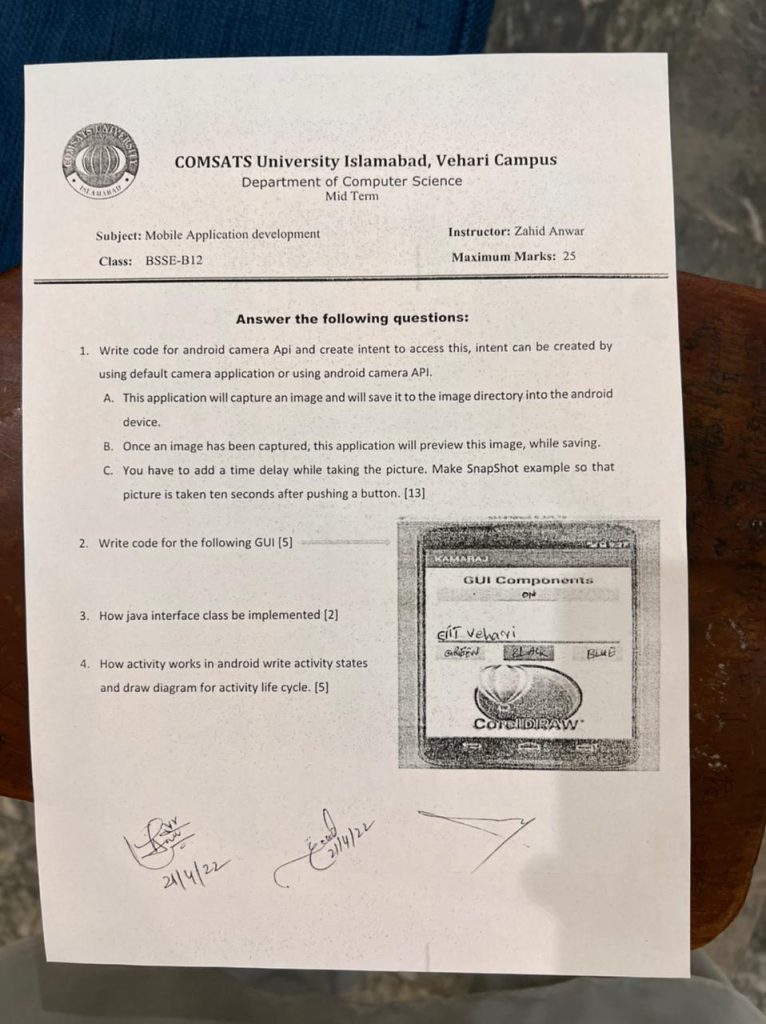
Mobile application development Final Paper in 2021
Q1. Define the following terins
a) Safe Area
b) Pubspec.yml
c) Widget
d) Relational Database
c) Cloud Database.
Q2. What is the difference between crossAxisAlignment and mainAxisAligament?
Q3. List down the five widgets having “OnClick” event? Also, write the name of the property of each widget.
Q4. Explain Enum and Ternary Operator in Dart with examples?
Q5. What is the difference between var, const, and final keywords in Dart?
Q6. What is the lifecycle of a “StatefulWidget”?
Q7. Write a function that receives an IMAGE, SOUND, and Digit Widgets as parameters and returns a Widget. The returned widget will play a sound digit times (digit parameter will explain the number of rotation of the sound) by clicking the image.
Mobile application development Mid term past paper in 2021
Q.No.1
What is the difference between crossAxisAlignment and manAxisAlignment?
Q.No.2
List down the five widgets having”OnClick” event? Also, write the name of the property of each widget.
Q.No.3
Write the Dart Code to navigate Screen1 to Screen2.notethat all of Screen 2 requires two Icon Widgets as parameters.
Q.No.4
Explain Enum and Ternary operator in Dart with examples.
Q.No.5
What is the difference between var, const and final keywords in Dart?
Q.No.6
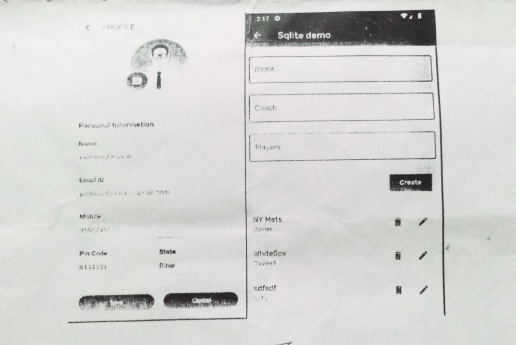
Design the widget trees for the following Screens.